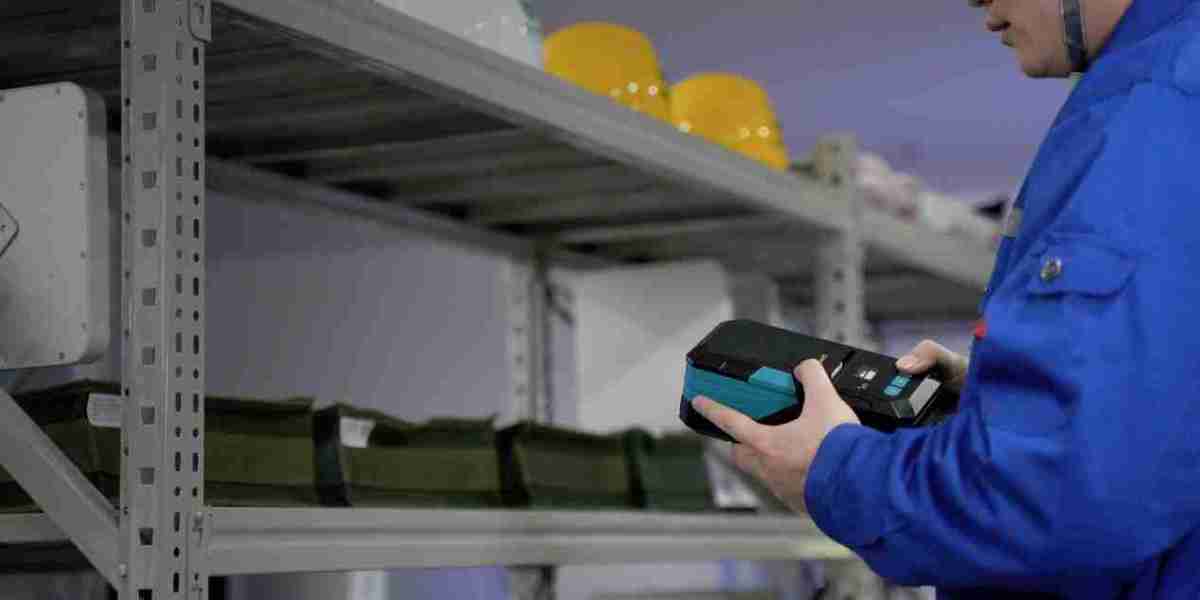

Network racks—filled with routers, switches, and servers—rely on dozens (or hundreds) of cables to function. Without proper traceability, a single unlabeled cable can turn maintenance into a time-consuming nightmare: technicians may spend hours tracing connections, risk disconnecting the wrong line, or struggle to troubleshoot outages. Label printers solve this by creating clear, durable labels that link every cable to its origin, destination, and purpose—turning chaotic cable runs into a traceable, manageable system. Below’s how they simplify network rack cable management.
1. The Cost of Poor Cable Traceability (Why It Matters)
Before diving into solutions, it’s critical to understand the risks of neglecting cable traceability:
- Downtime delays: When a network fails, technicians need to quickly identify faulty cables. Unlabeled lines force them to test connections one by one—extending downtime from minutes to hours, costing businesses thousands in lost productivity.
- Human error: Guessing which cable connects to a specific server or switch often leads to accidental disconnections. For example, pulling the wrong power cable could shut down a critical database.
- Maintenance inefficiency: Adding new equipment or upgrading the network becomes a hassle. Without traceable labels, technicians must map the entire rack from scratch, doubling the time spent on routine tasks.
These issues make traceability non-negotiable—and label printers are the most reliable tool to achieve it.
2. How Label Printers Enable Clear Cable Traceability
Label printers transform vague, temporary markers (like handwritten tape or sticky notes) into standardized, long-lasting labels that drive traceability. Their key contributions include:
2.1 Printing Consistent, Legible Label Information
Effective cable labels need specific details to be traceable:
- Unique identifiers (e.g., “Cable ID: RACK-01-SW-03” for Rack 1, Switch 3)
- Origin/destination (e.g., “From: Server A | To: Router B”)
- Installation date (e.g., “Installed: 2025-XX-XX”)
Label printers use pre-designed templates to ensure every label includes this info—no more messy handwritten typos or missing details. Thermal label printers (the most common for networks) produce smudge-proof, fade-resistant text that remains readable even in dusty, warm rack environments.
2.2 Creating Durable Labels for Network Conditions
Network racks expose cables to harsh conditions: dust, temperature fluctuations, and occasional moisture. Handwritten labels or standard paper stickers peel off or become illegible within months—but labels from network-grade printers are built to last:
- Materials: Synthetic or polyester labels resist tearing, water, and solvents (ideal for cleaning around racks).
- Adhesives: High-tack adhesives stick firmly to cables (even curved surfaces) without peeling, ensuring labels stay in place for years.
This durability means traceability doesn’t fade over time—critical for long-term network management.
3. Step-by-Step: Using Label Printers for Network Rack Cable Traceability
Integrating a label printer into cable management is simple, with three key steps:
Step 1: Plan Your Labeling System
First, define a consistent naming convention (e.g., “Rack Number-Device Type-Device ID”). For example, “RACK-02-SRV-05” tells technicians the cable connects to Server 5 in Rack 2. This avoids confusion across teams.
Step 2: Choose the Right Label Printer & Supplies
Opt for a thermal label printer (no ink needed, low maintenance) with network-specific features:
- Compact size: Fits on workbenches near racks.
- Connectivity: Wi-Fi or USB to print labels directly from your network management software.
- Supply compatibility: Use 0.5–1 inch wide labels (perfect for standard Ethernet or power cables).
Step 3: Print & Apply Labels During Installation/ Maintenance
- Print labels before running cables (or during upgrades) to avoid missing any lines.
- Apply labels near both ends of each cable (e.g., where it plugs into the server and the switch) for easy tracing from either side of the rack.
- For extra efficiency, pair labels with cable organizers (e.g., cable ties, raceways) to keep labeled cables neat and visible.
4. The Big Benefit: Simplified Management & Faster Troubleshooting
With label printer-generated traceability, network management becomes drastically easier:
- Troubleshooting: A quick glance at labels lets technicians identify faulty cables in seconds, cutting downtime.
- Maintenance: Adding new cables or replacing old ones is faster—no need to re-map the entire rack.
- Collaboration: Consistent labels ensure every team member (even new hires) can understand the rack’s layout without extra training.
In short, label printers turn “cable chaos” into “traceable order.” For any network relying on efficient, reliable rack management, they’re not just a tool—they’re a necessity for keeping operations smooth and minimizing costly errors.